Trade-in, not just buyback.
Loopia does both: classic buyback and trade-in. With a trade-in, the old device becomes credit for the new one. The money stays with you, and the next sale is already made.
Trade-in software for specialty retail: your customers trade in their old device for a new one, in the webshop, at checkout or in store.
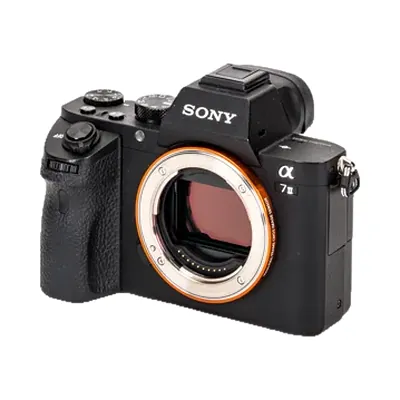
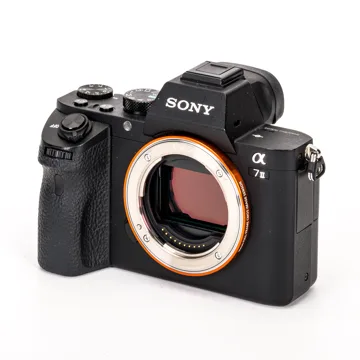
Sony Alpha 7 II
Condition B, very good
How would you like to use the value?
Credit for your new device
$396
Used by specialty retailers in North America, Australia, Switzerland, Germany, Denmark and Norway





From the offer back into your sales: five steps in one order.
Offer
In the webshop, at checkout or in store. A few questions on the condition, then the instant offer is there.In the webshop, at checkout or in the pro shop. A few questions on the condition, then the instant offer is there.
More on the offer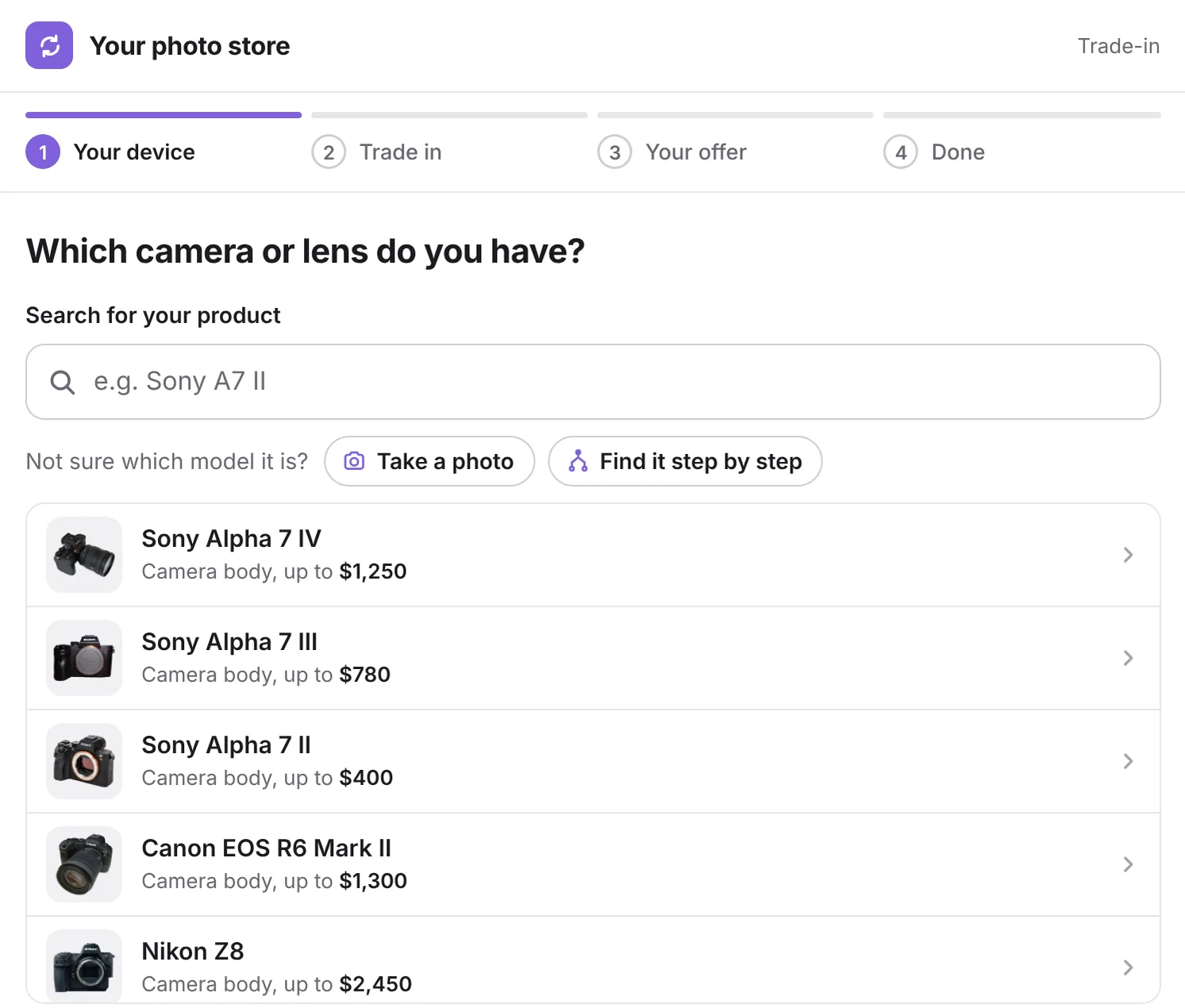
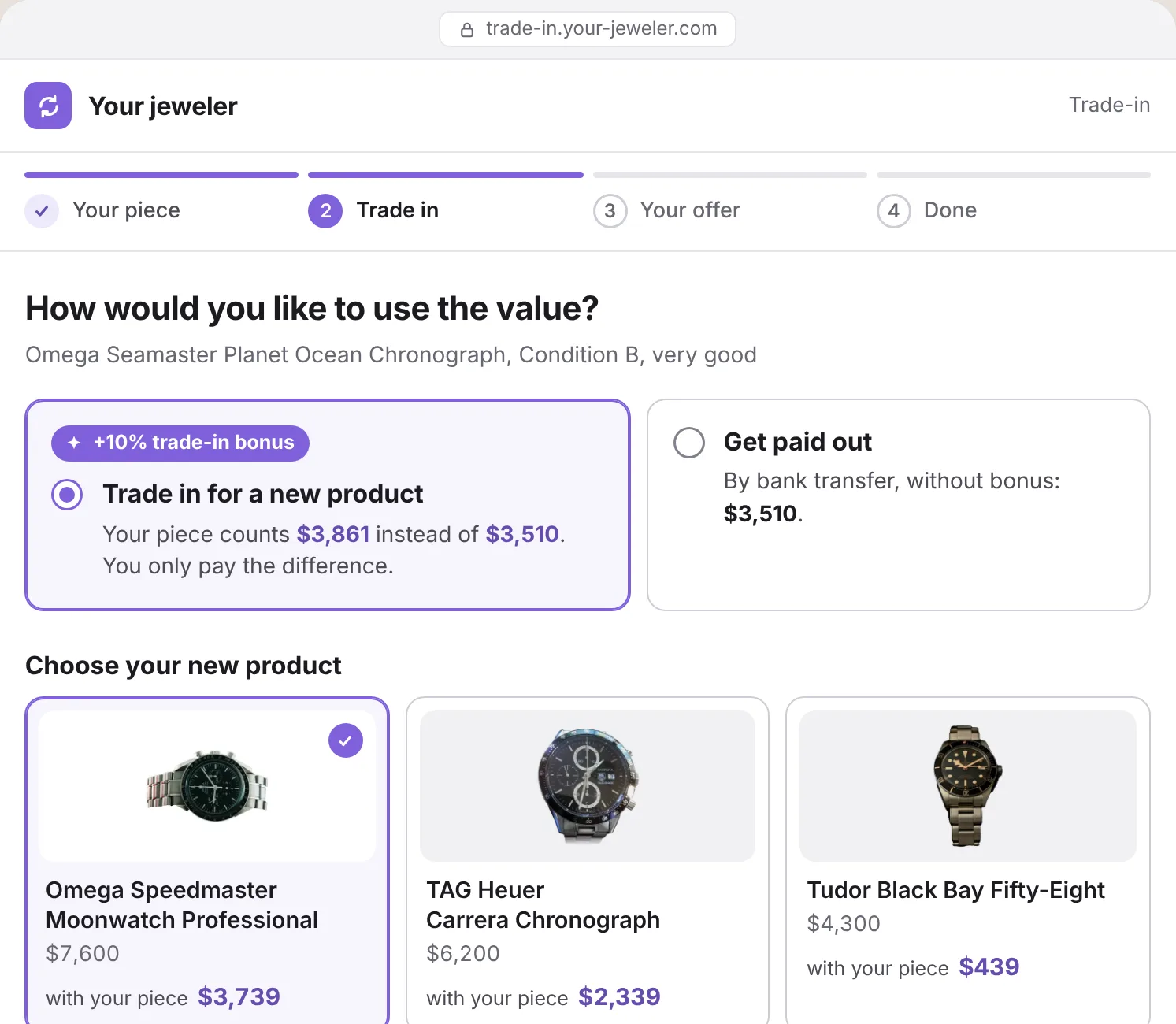
Direct trade-in
Your customer picks the new product and pays only the difference, with a 10% trade-in bonus. Anyone who does not trade in directly gets paid out.
More on settlement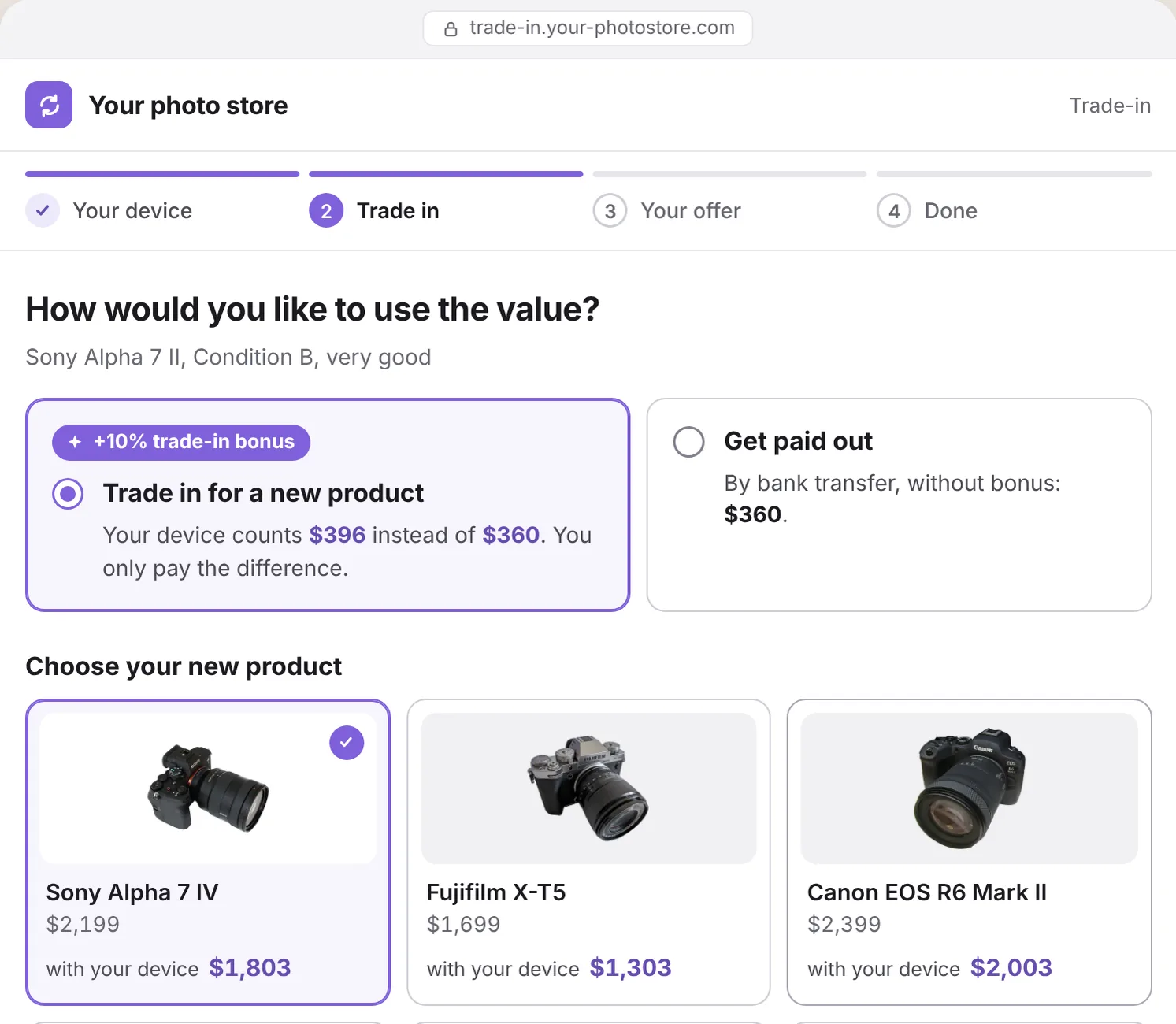
Shipping or drop-off
With the shipping label of your logistics partner, or your customer brings the item to a store.With the shipping label of your logistics partner, or your customer brings the club to the pro shop.With the shipping label of your logistics partner, or your customer brings the device to a store.With the shipping label of your logistics partner, or your customer brings the watch to the store.
More on shippingInspection
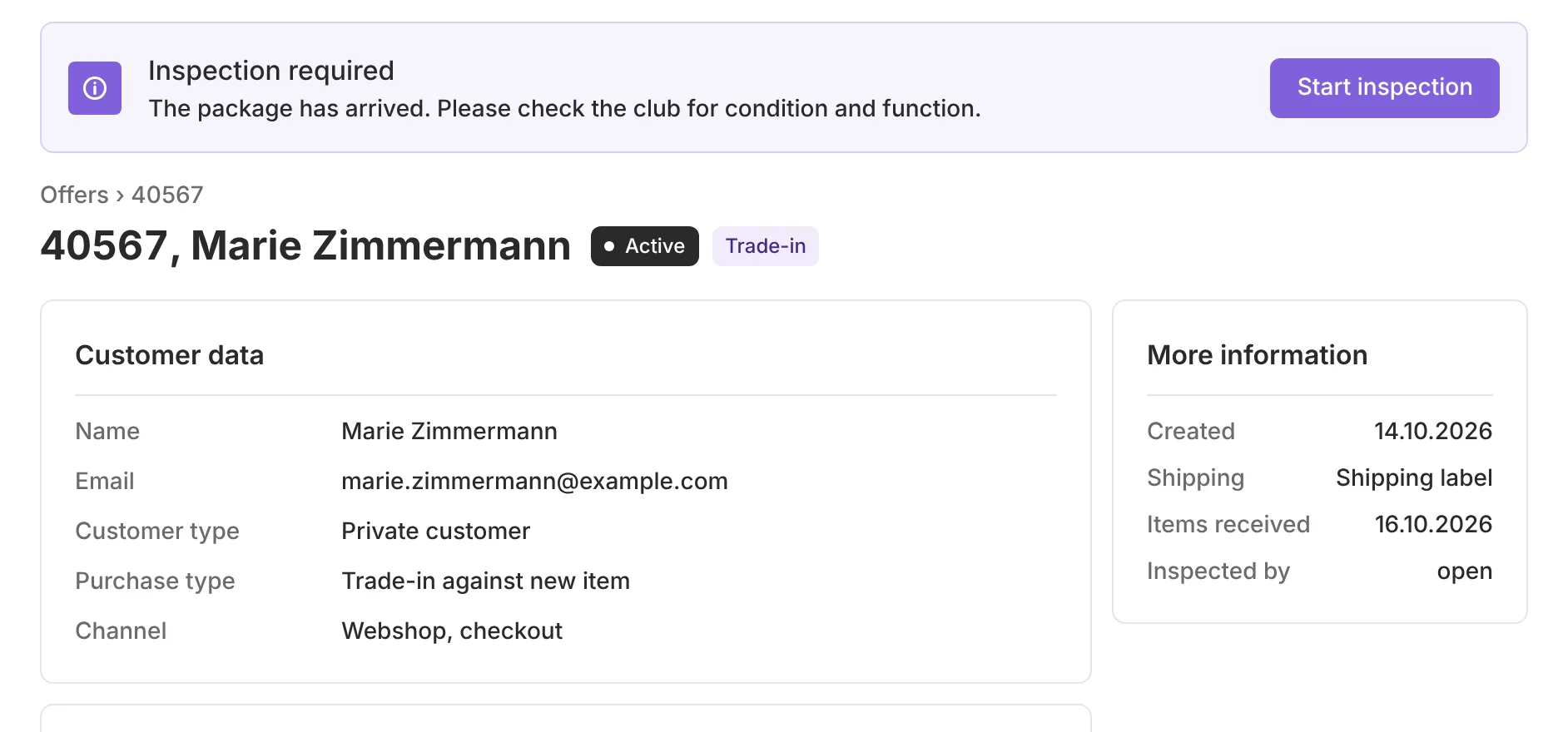
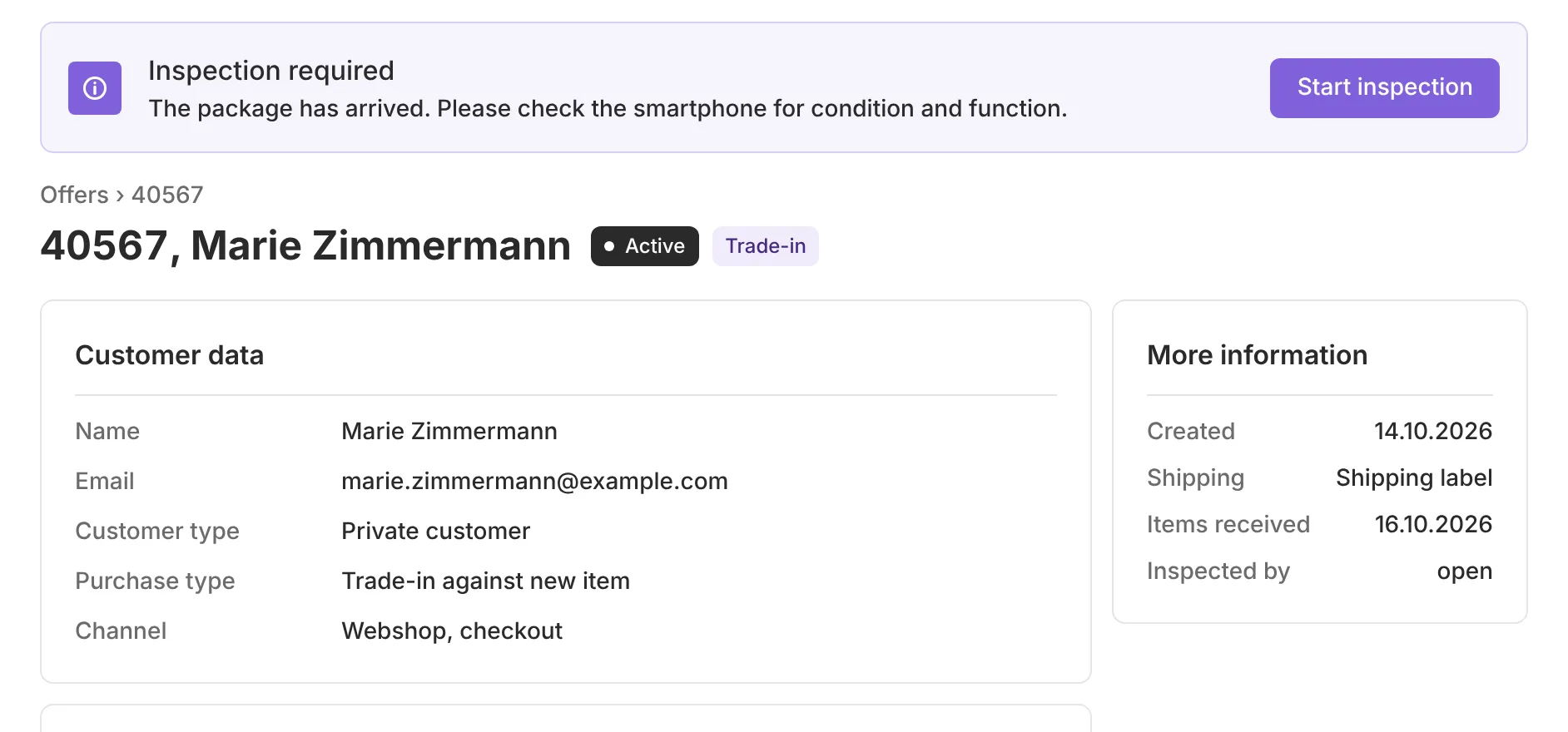
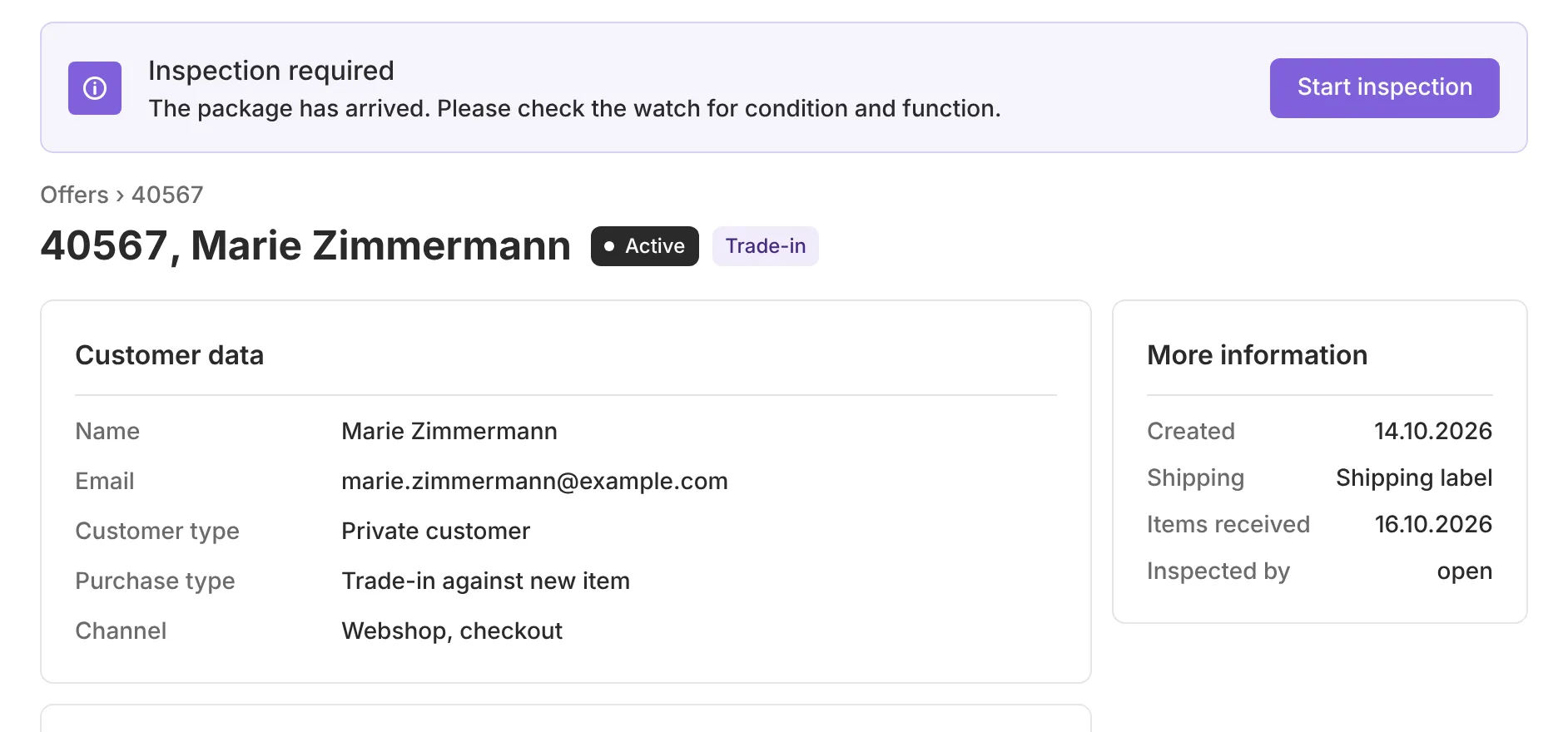
Your team inspects in the employee portal. If the condition differs, a counteroffer goes out automatically.
More on inspection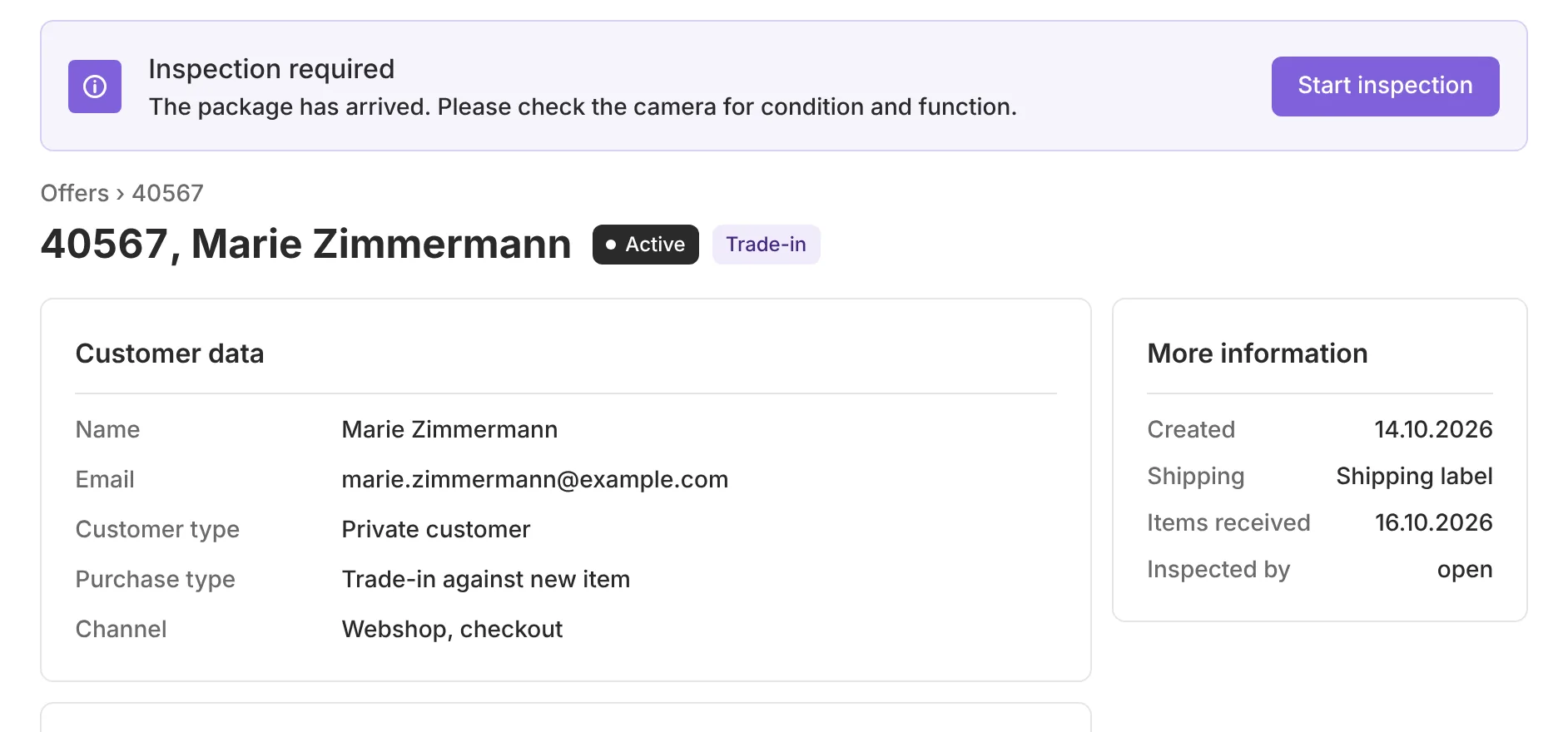
Back into your sales
Print the label, new article number, and the buyback and the sale are booked in the ERP.
More on integration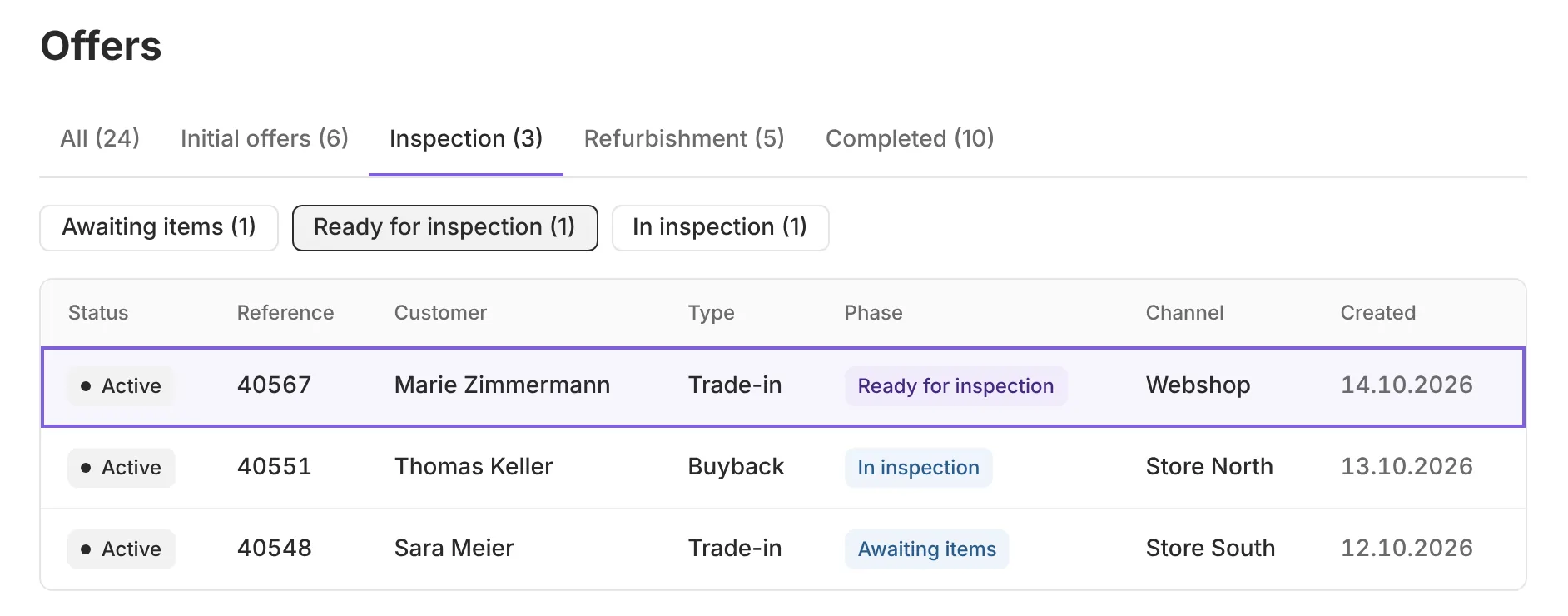
Step 1in your customer’s webshop
Trade-in brings your customers back to your store. Loopia makes it simple in the webshop, in store and in your ERP.
Loopia does both: classic buyback and trade-in. With a trade-in, the old device becomes credit for the new one. The money stays with you, and the next sale is already made.
Add a short script. Buyback page, product page and checkout work right away.
Buybacks, credits and resales are booked directly. Our team knows the pitfalls from many projects.
The pricing AI suggests prices from current market data. You set margins, bonuses and deductions centrally. You have the final say.
Market prices from $1,180 to $1,340
Market prices from $490 to $555
Market prices from $565 to $645
Market prices from $4,060 to $4,610
Your customer or your team takes a photo of the item. Product recognition finds it in the catalog, and the pricing AI suggests the price.
Your trade-in pages are prepared for search engines and AI answers. Someone searching “trade in my camera” lands on your site.Someone searching “trade in my golf clubs” lands on your site.Someone searching “trade in my phone” lands on your site.Someone searching “trade in my watch” lands on your site.
Pick a camera and its condition, then a new product from the shop. You see the 10% trade-in bonus and what your customer still pays.
In your shop, with your colors and your prices.
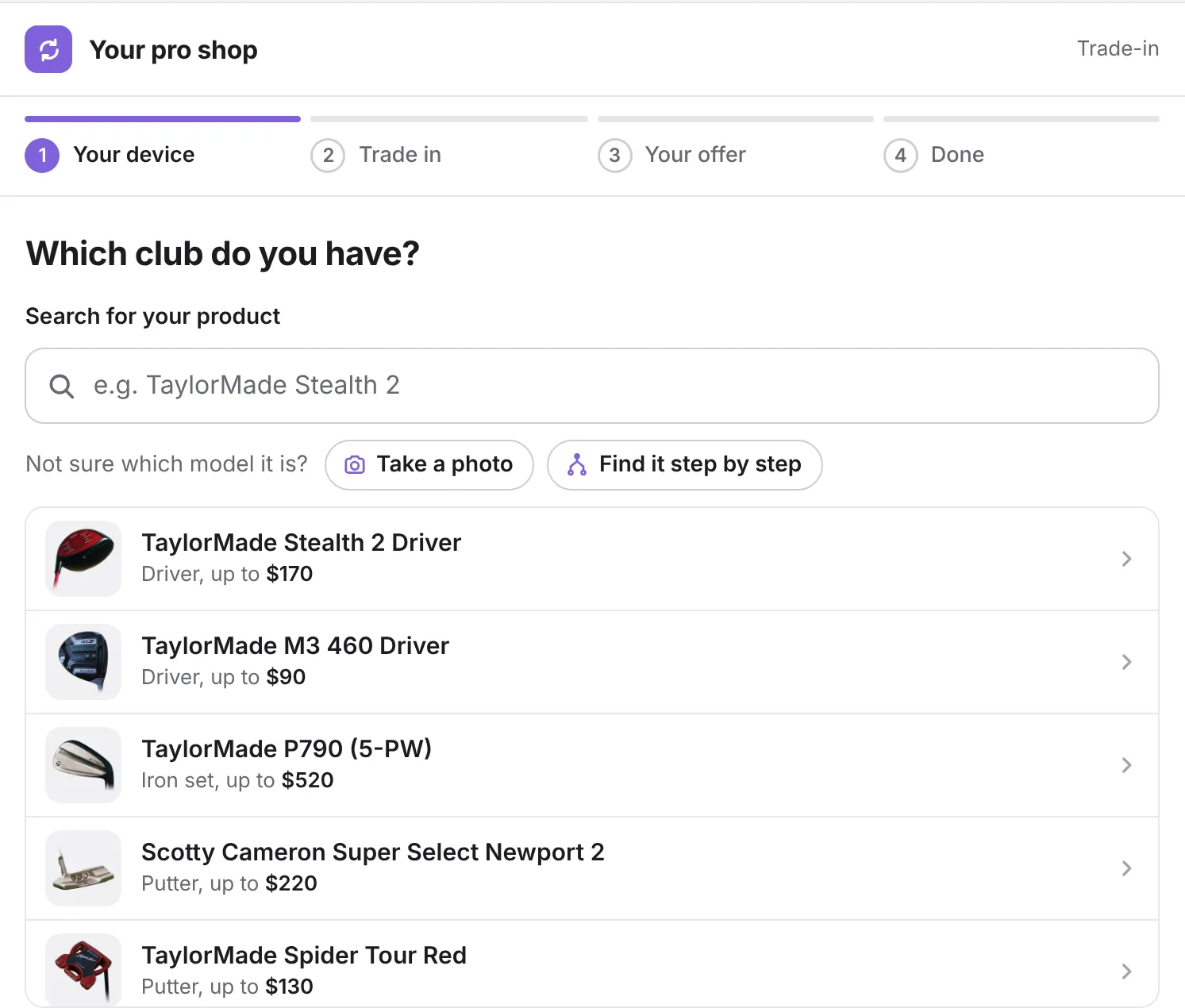
More on photo and video retailPick a club and its condition, then a new product from the shop. You see the 10% trade-in bonus and what your customer still pays.
In your shop, with your colors and your prices.
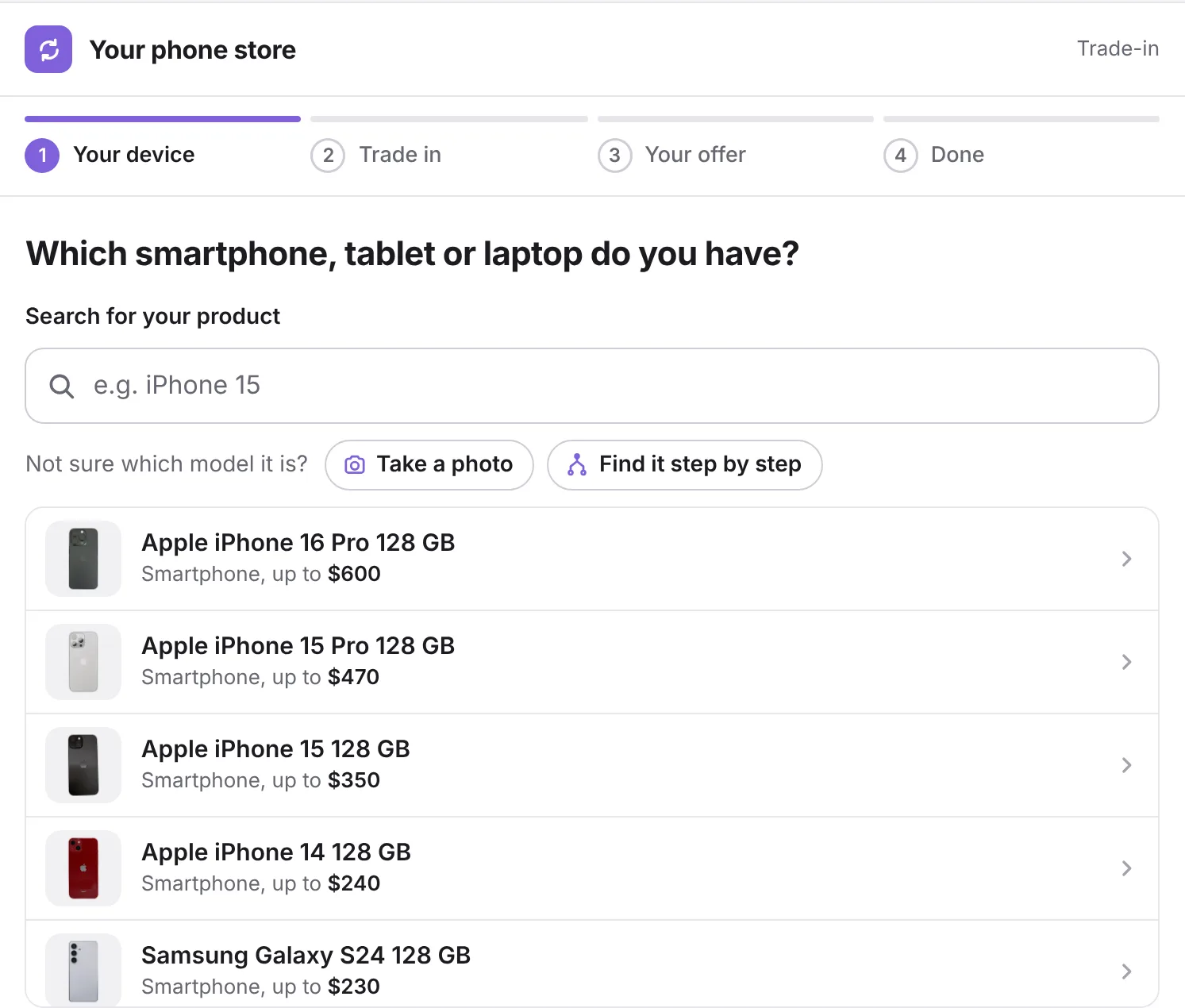
More on golf retailPick a smartphone and its condition, then a new product from the shop. You see the 10% trade-in bonus and what your customer still pays.
In your shop, with your colors and your prices.
More on mobile device retailPick a watch and its condition, then a new product from the shop. You see the 10% trade-in bonus and what your customer still pays.
In your shop, with your colors and your prices.
More on watch and luxury retailAI recognizes the device in the photo and suggests the matching model. Available in your shop, not in this demo.
A few simple questions about brand, type and size lead to the right model. Available in your shop, not in this demo.
No match for “”
In your shop, customers can then request an individual offer.
Your device Sony Alpha 7 II If the check shows a different condition, you get a new offer.
Sony Alpha 7 II, Condition B, very good
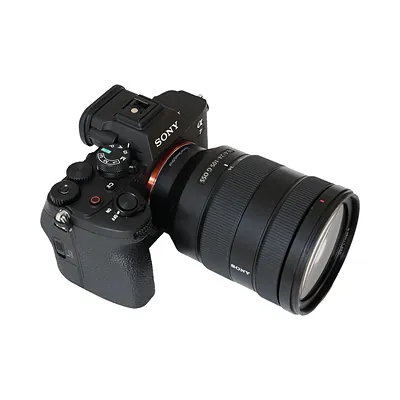 New productSony Alpha 7 IV Your device (buyback) Sony Alpha 7 II
 Instead of $2,199. Your device counts $396.
Remaining credit for your customer account: $0
Trade it in and your device counts $396.
We have sent you a confirmation by email.
This is how your customers experience it: in your branding, with your prices and connected to your ERP. Book a demo
This is a preview and a slimmed-down version of the Loopia trade-in. Prices are examples. In the live solution your customers also get emails, tracking, ID checks and the full product catalog.
AI recognizes the device in the photo and suggests the matching model. Available in your shop, not in this demo.
A few simple questions about brand, type and size lead to the right model. Available in your shop, not in this demo.
No match for “”
In your shop, customers can then request an individual offer.
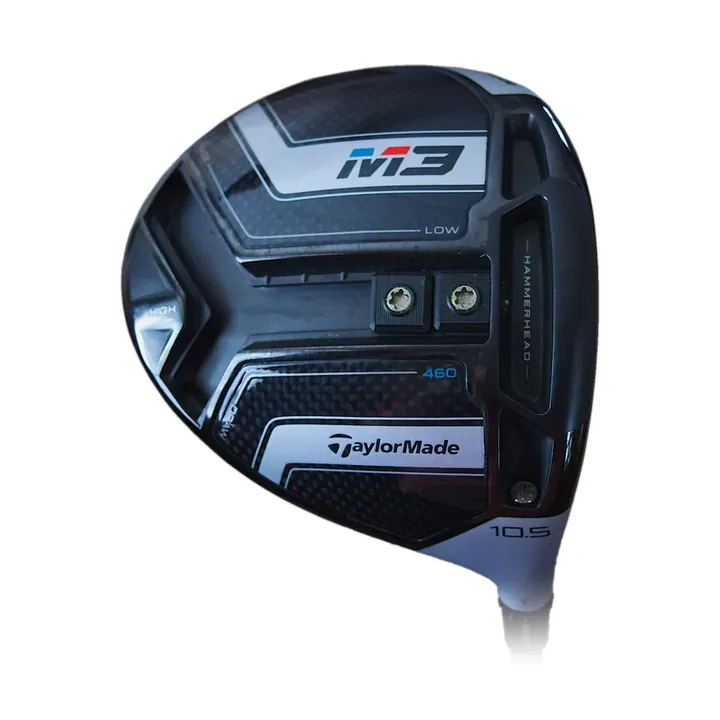
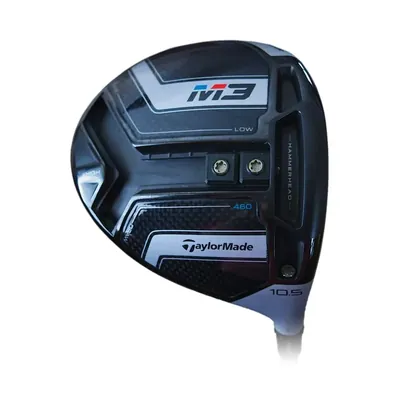 Your device TaylorMade M3 460 Driver
 If the check shows a different condition, you get a new offer.
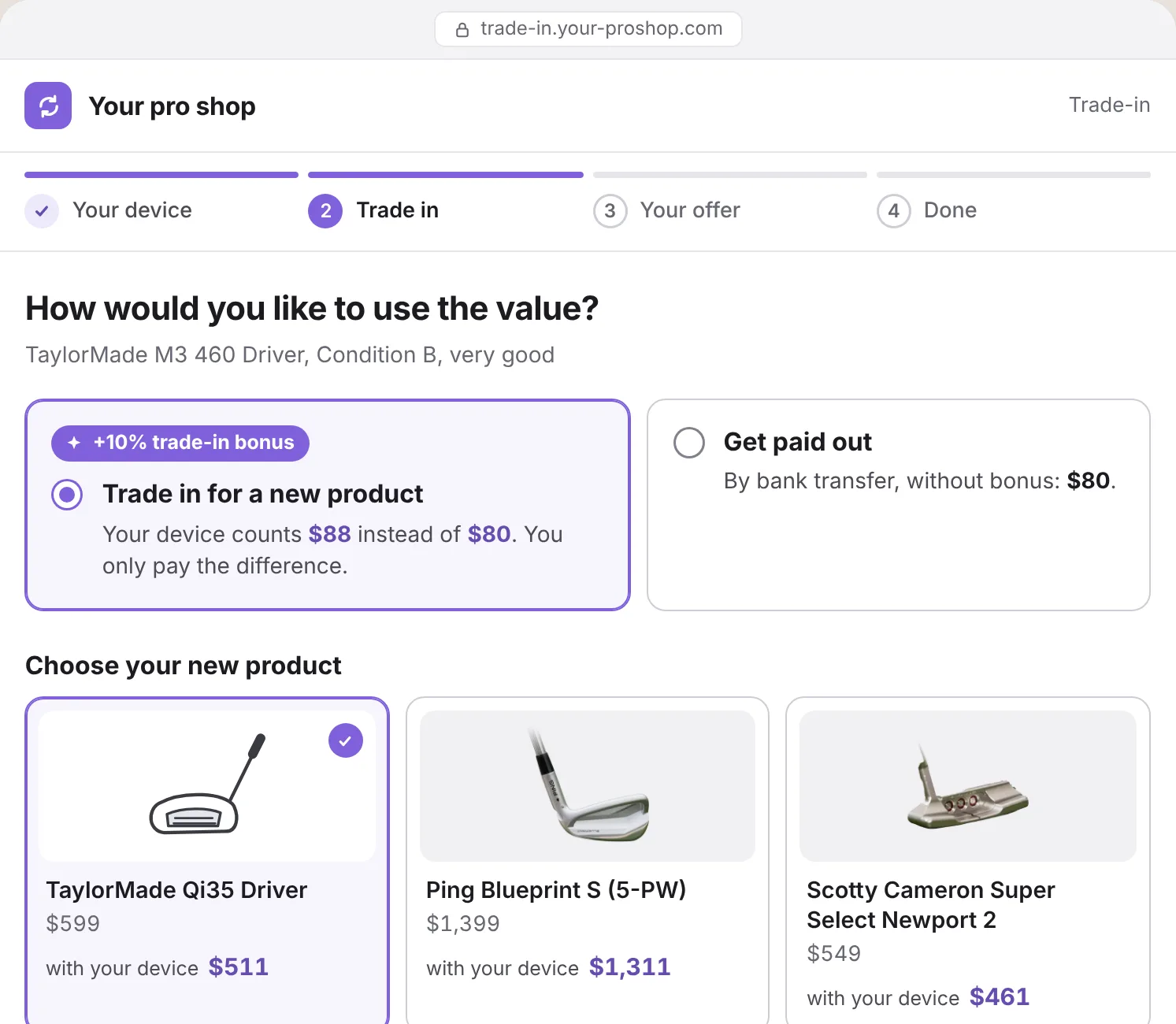
TaylorMade M3 460 Driver, Condition B, very good
 New productTaylorMade Qi35 Driver Your device (buyback) TaylorMade M3 460 Driver
 Instead of $599. Your device counts $88.
Remaining credit for your customer account: $0
Trade it in and your device counts $88.
We have sent you a confirmation by email.
This is how your customers experience it: in your branding, with your prices and connected to your ERP. Book a demo
This is a preview and a slimmed-down version of the Loopia trade-in. Prices are examples. In the live solution your customers also get emails, tracking, ID checks and the full product catalog.
AI recognizes the device in the photo and suggests the matching model. Available in your shop, not in this demo.
A few simple questions about brand, type and size lead to the right model. Available in your shop, not in this demo.
No match for “”
In your shop, customers can then request an individual offer.
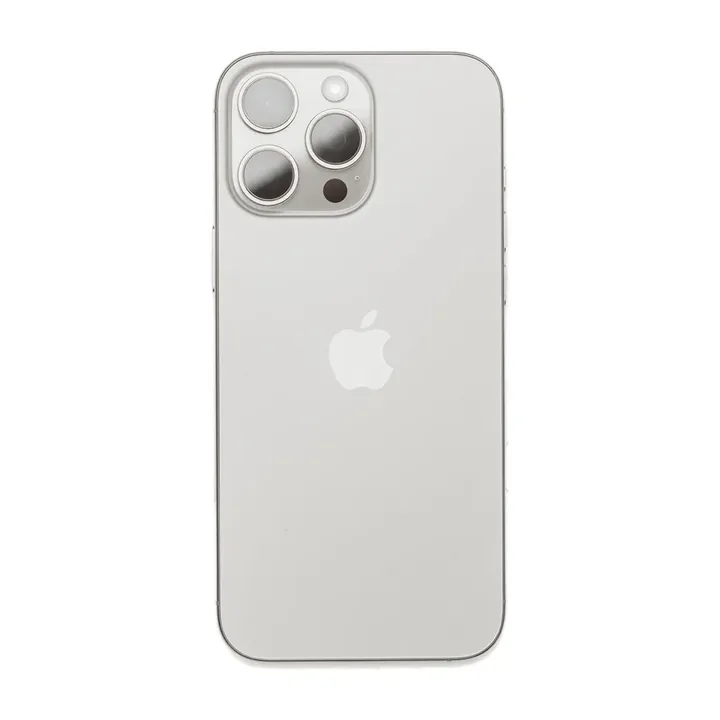
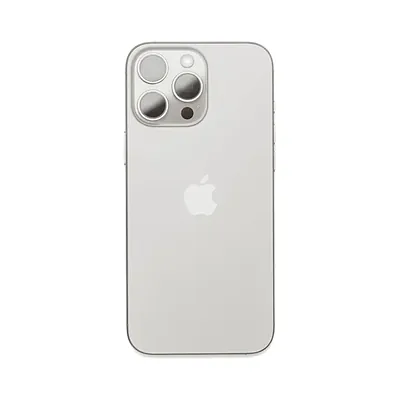 Your device Apple iPhone 15 Pro 128 GB
 If the check shows a different condition, you get a new offer.
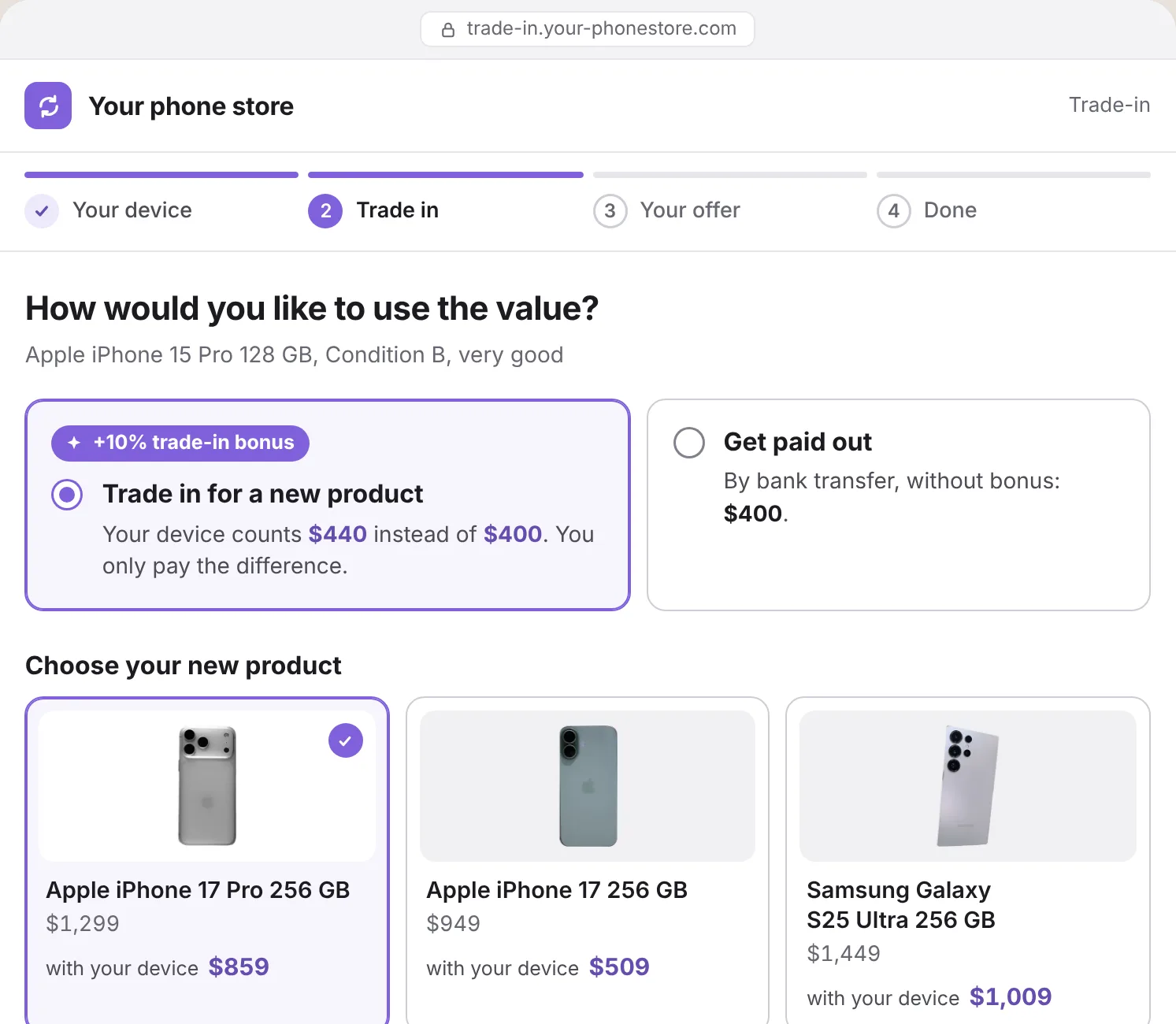
Apple iPhone 15 Pro 128 GB, Condition B, very good
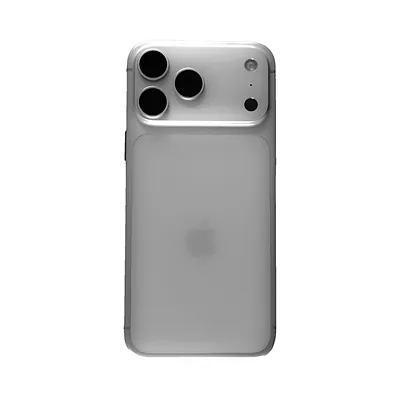 New productApple iPhone 17 Pro 256 GB Your device (buyback) Apple iPhone 15 Pro 128 GB
 Instead of $1,299. Your device counts $440.
Remaining credit for your customer account: $0
Trade it in and your device counts $440.
We have sent you a confirmation by email.
This is how your customers experience it: in your branding, with your prices and connected to your ERP. Book a demo
This is a preview and a slimmed-down version of the Loopia trade-in. Prices are examples. In the live solution your customers also get emails, tracking, ID checks and the full product catalog.
AI recognizes the piece in the photo and suggests the matching model. Available in your shop, not in this demo.
A few simple questions about brand, type and size lead to the right model. Available in your shop, not in this demo.
No match for “”
In your shop, customers can then request an individual offer.
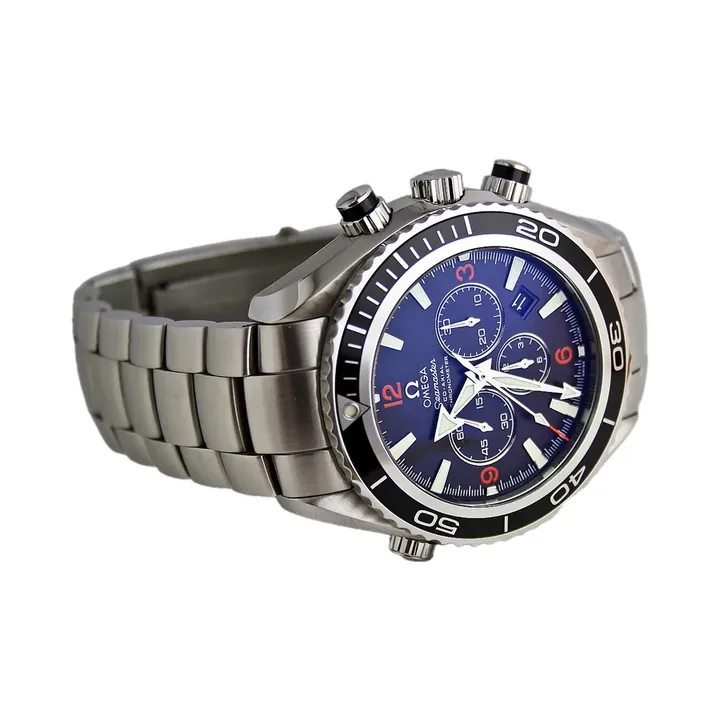
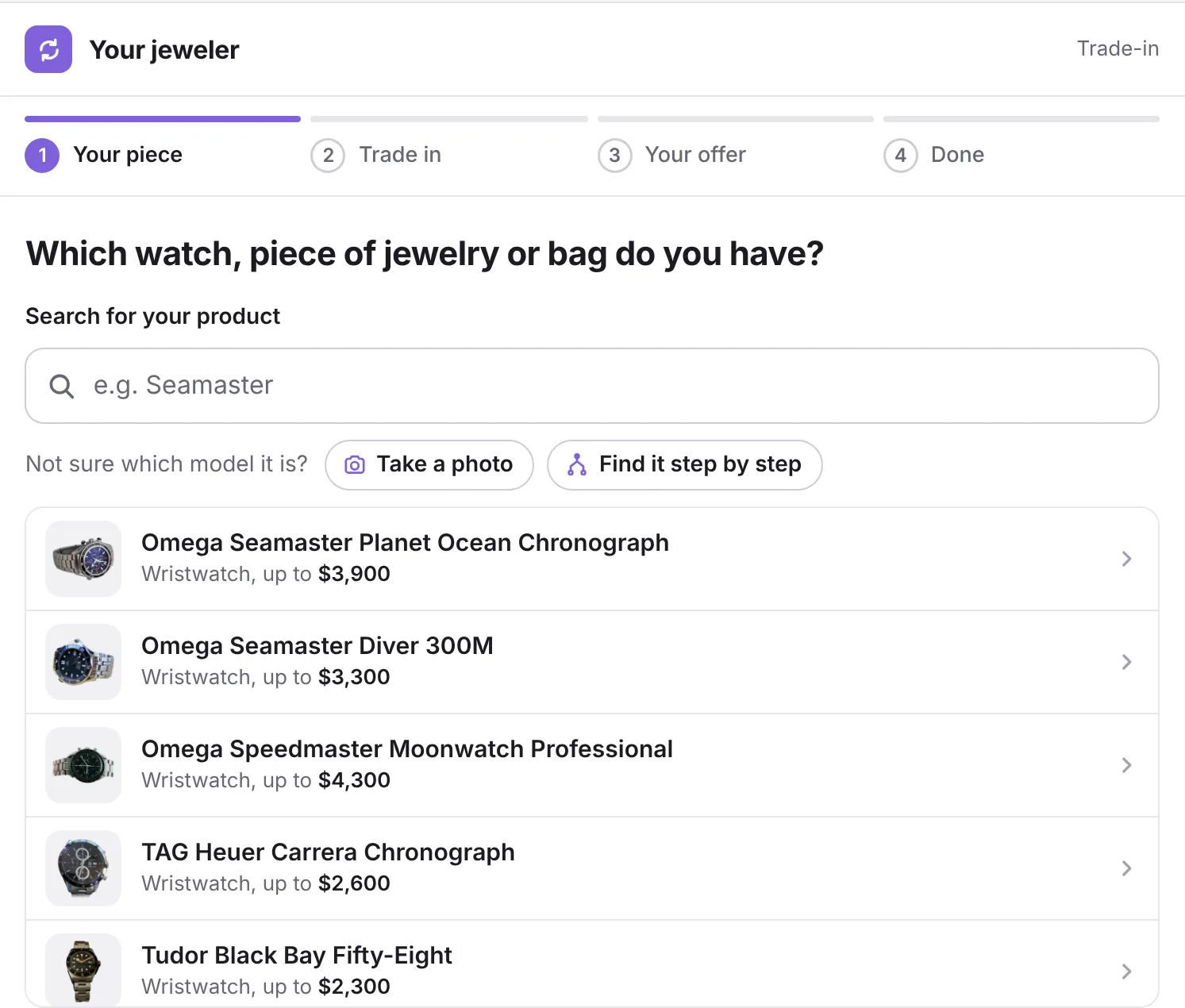
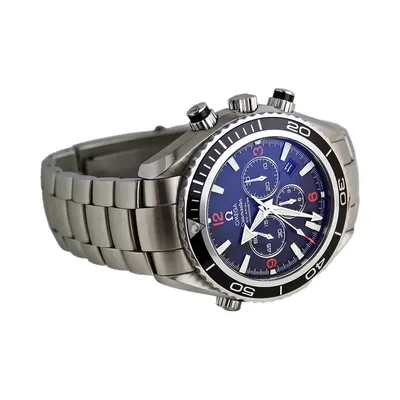 Your piece Omega Seamaster Planet Ocean Chronograph
 If the check shows a different condition, you get a new offer.
Omega Seamaster Planet Ocean Chronograph, Condition B, very good
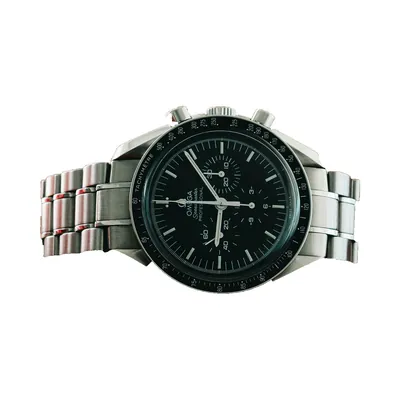 New productOmega Speedmaster Moonwatch Professional Your piece (buyback) Omega Seamaster Planet Ocean Chronograph
 Instead of $7,600. Your piece counts $3,861.
Remaining credit for your customer account: $0
Trade it in and your piece counts $3,861.
We have sent you a confirmation by email.
This is how your customers experience it: in your branding, with your prices and connected to your ERP. Book a demo
This is a preview and a slimmed-down version of the Loopia trade-in. Prices are examples. In the live solution your customers also get emails, tracking, ID checks and the full product catalog.
“Loopia’s solution has significantly simplified our trade-in and buyback processes.”
“Thanks to the online Trade-In channel, we are accessible to our customers around the clock.”
 Mario WüestCEO, Photo Vision Zumstein
 “The setup was clearly structured and collaborative, with close alignment between our teams at every step.”
 Ulrik Spedtsberg PoulsenCMO, Goecker
 Trade-in for photo and video retailMore on golf retailMore on mobile device retailMore on watch and luxury retail
Loopia Marketplace
Your own marketplace for pre-owned goods and auctions. For thrift stores, public auction offices and retailers with several stores. One photo is enough, and the AI writes the listing.
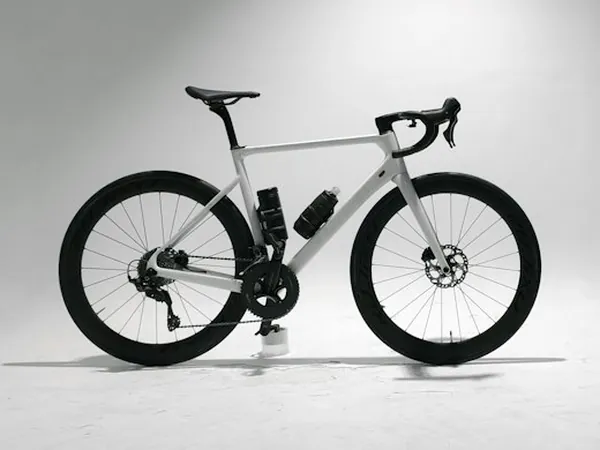 Auction, 6 bids
 Carbon road bike, size M
Winterthur ZH
CHF 1,240
Current bid
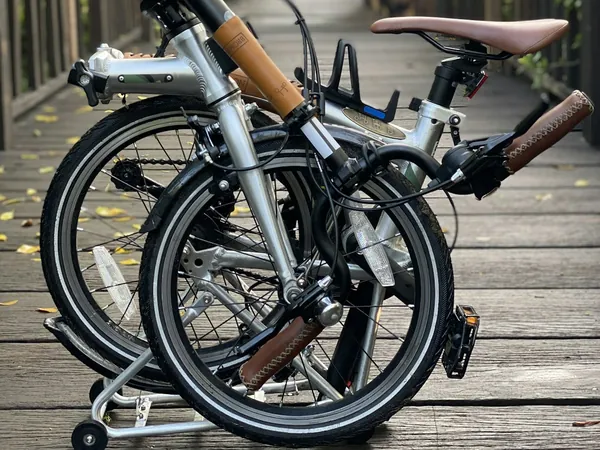
Folding bike with rack
Bern BE
CHF 985
Fixed price
 Store
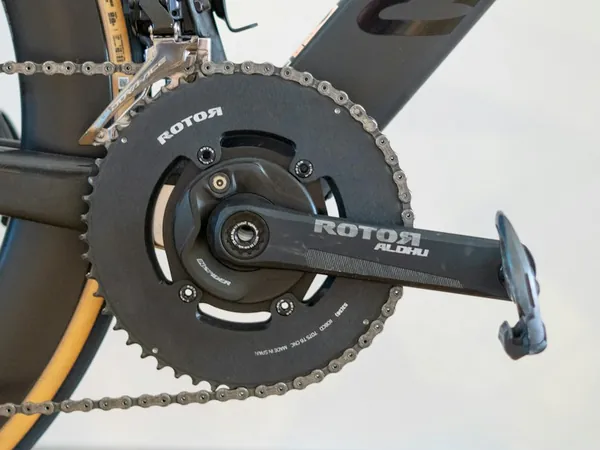
Store Rotor Aldhu crankset with power meter
Zurich store
CHF 640
Inspected by the store

“Challenges were solved efficiently, and the platform was ready to launch in no time.”
Loopia is trade-in and buyback software for specialty retailers, made in Zurich, Switzerland. Customers trade in used products in the webshop, at checkout or in store and pay only the difference for the new one. With Loopia Marketplace, retailers and thrift stores also run their own marketplaces and auctions. Retailers in North America, Australia, Switzerland, Germany, Denmark and Norway use Loopia, Calumet and Photo Vision Zumstein among them.
No, but it pays off for both sides. A customer who trades in directly gets the trade-in bonus and pays only the difference. A customer who would rather have money gets paid by bank transfer or takes a voucher or store credit. You decide how high the bonus is.
No. Buyback page, offer, emails and customer portal appear in your design, under your domain and with your sender name. For your customers, it is your service.
Both. In the webshop, customers trade in on a dedicated buyback page or right in the checkout. In store, your team enters the device in the employee portal and credits it against the new purchase. All trade-ins run in one system.
If you like, the pricing engine suggests prices based on current market data. You stay in control: you set margins, bonuses and deductions centrally and can set any single price by hand.
Your team corrects the condition during the inspection in the employee portal. Loopia calculates the new offer and sends it to the customer as a counteroffer, also for a direct trade-in. The customer accepts or declines it in the customer portal.
In the webshop, the trade-in is often live in about 10 minutes. For the ERP, the effort depends on your interface. Our team knows the typical pitfalls from earlier projects and guides you through the connection to systems such as SAP or Microsoft Dynamics 365 Business Central.

Philipp shows you Loopia Trade-In live, online and in store. 30 minutes, with a product from your own range.